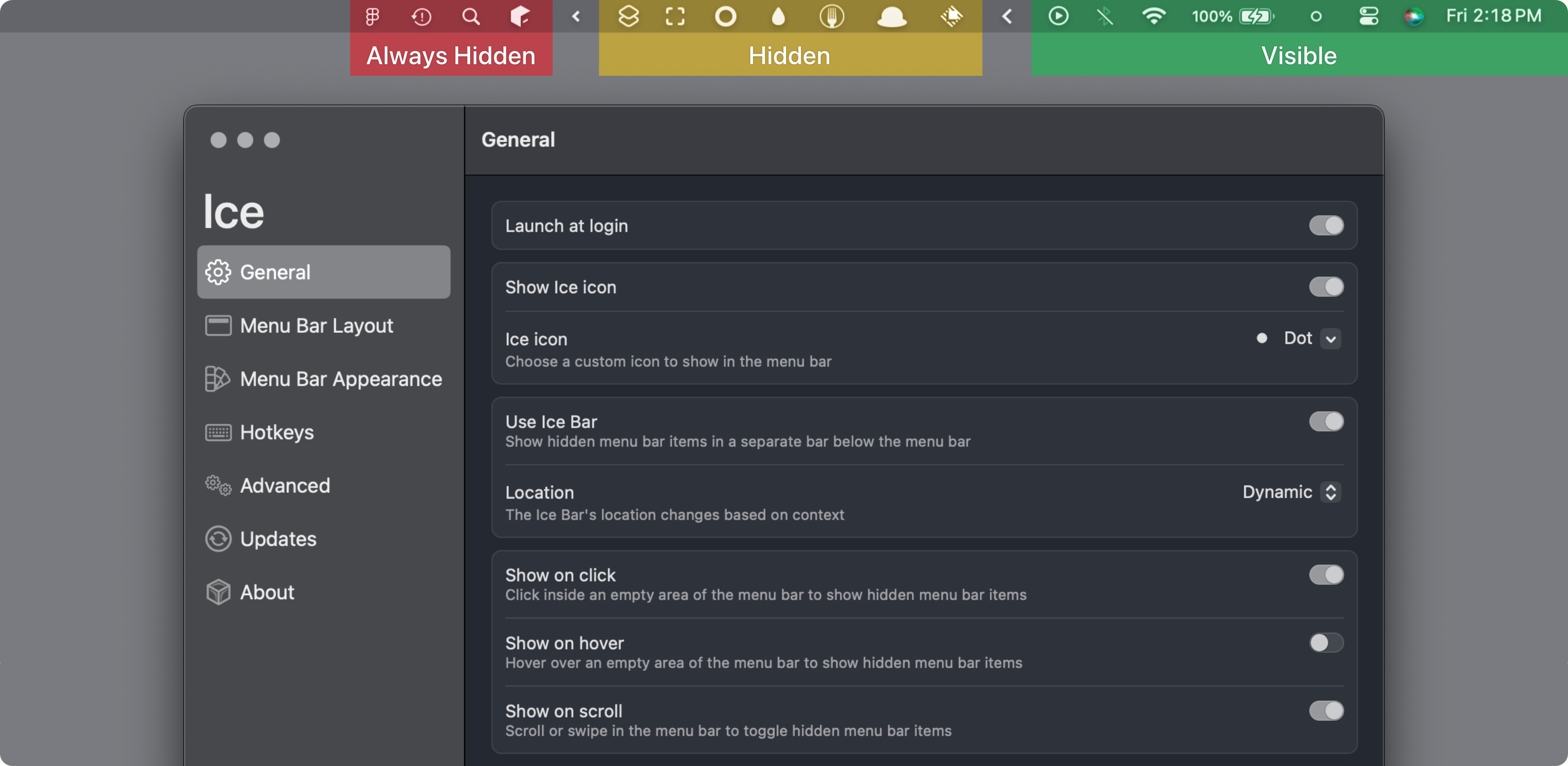
Your macOS menu bar is probably a hot mess of overlapping icons, especially if you’re running a MacBook with the notch. Ice solves this universal Mac user frustration with an elegant approach: intelligently hide menu bar items and reveal them only when needed. Hover over the menu bar, click empty space, or even scroll to temporarily show your hidden tools.
What sets Ice apart from alternatives like Bartender is its modern SwiftUI interface and comprehensive feature set. Drag and drop to rearrange items exactly where you want them, create an “always-hidden” section for rarely-used tools, or display overflow items in a separate bar to work around the notch. Beyond organization, Ice offers visual customization with gradients, shadows, borders, and custom shapes to make your menu bar truly yours.
With 26K+ stars and active development, Ice has quickly become the go-to menu bar manager for Mac users who refuse to compromise on both functionality and aesthetics. The fact that it’s completely free and open source makes it an instant download for anyone tired of menu bar chaos.
⭐ Stars: 26719
💻 Language: Swift
🔗 Repository: jordanbaird/Ice